Tech Support for CAN to USB Analyzer
Expert troubleshooting, integration assistance, and dedicated support options.
Downloads & Guides
Access the latest firmware, manuals, and software tools.
Integration Support
Need assistance configuring protocols or connecting to SCADA?
Book Remote SessionTechnical Specifications
| Technical Specifications | Power Supply: 10 to 30V DC | PC Communication: Compatible with USB 2.0 and above | CAN Communication: CAN bus connection via Terminal Connector, 8-pin | Baud Rate - CAN Bus: Supports up to 1 MBPS | Operating Condition: Operating temperature range from -40 to 85 °C | Communication Mode: Bidirectional | CAN Bus Version Support: Compliant with CAN Specifications 2.0A and 2.0B | Response Time: Time stamp resolution of approximately 1 ms |
|---|---|---|---|---|---|---|---|---|
| Key Features | Easy and quick connection to CAN networks and CAN devices. | Small size and compact plastic casing. | Free CAN application software for Windows® with an attractive and user-friendly GUI. | API SDK support for custom GUI and application development. | ||||
| Typical Applications | CAN Network Analysis & Troubleshooting. | Battery Management System. | Vehicle Network Analysis & Troubleshooting. | CAN 2.0A and CAN 2.0B machines monitoring. |
Frequently Asked Questions
Find answers to common questions about our products
What is the CAN to USB Analyzer?
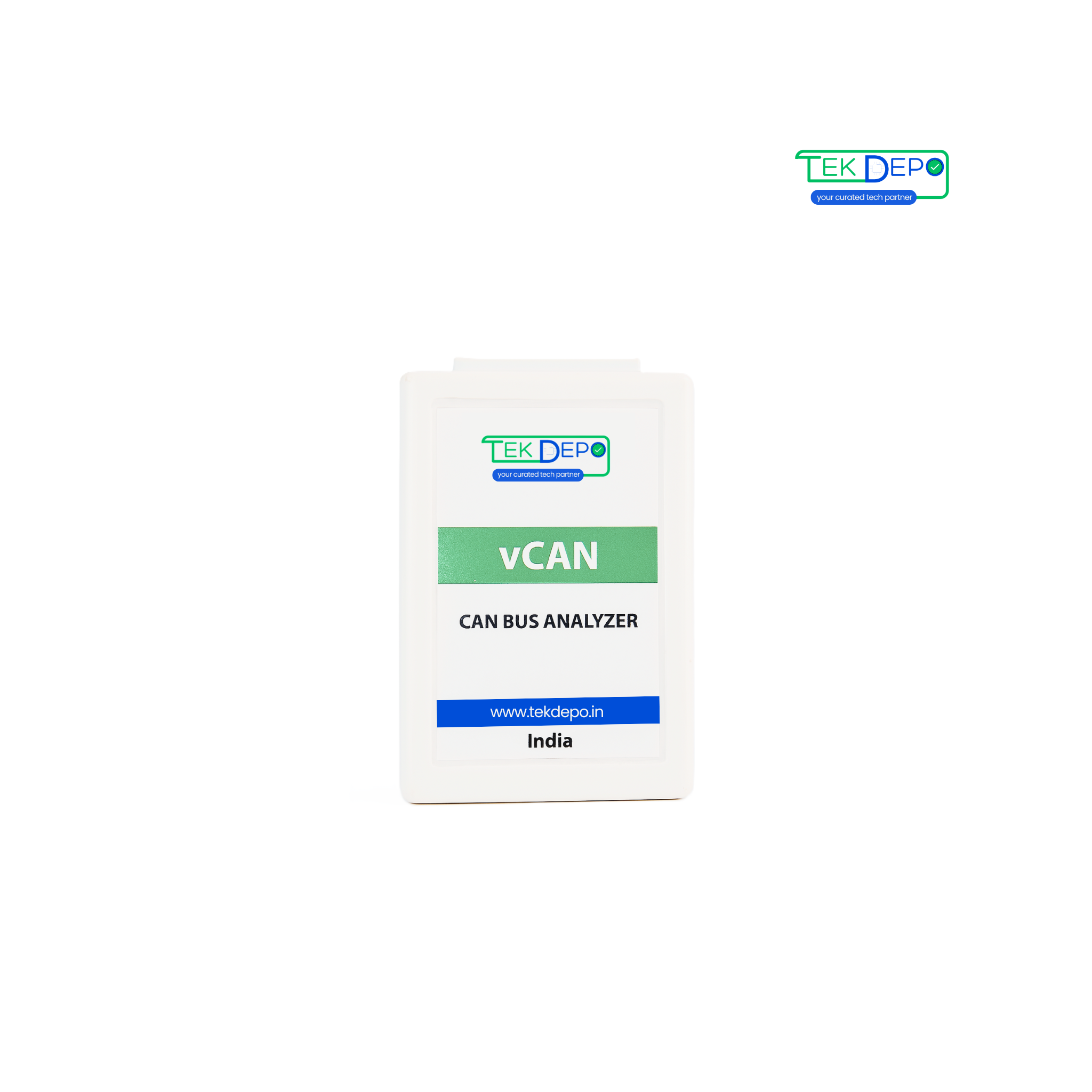
The CAN to USB Analyzer is a compact diagnostic and testing tool that connects a CAN network to a PC via USB, enabling data monitoring, debugging, and communication analysis.
What CAN protocols does it support?
It supports both CAN 2.0A and CAN 2.0B standards, providing compatibility with most industrial and automotive communication networks.
Who should use the CAN to USB Analyzer?
This device is perfect for automotive engineers, embedded developers, system integrators, and graduates learning CAN Bus communication and programming.
What are the key features of the CAN to USB Analyzer?
Features include bidirectional CAN communication, real-time monitoring, GUI-based interface (SW Suite), error frame detection, and message filtering capabilities.The device comes with GUI software that allows users to visualize, log, and analyze CAN bus messages efficiently.
What applications can this tool be used for?
It is widely used in automotive development, CAN bus diagnostics, network simulation, and academic research involving embedded systems.
Still have questions?
Contact Our TeamNeed specialized help?
If the guides above didn't resolve your issue, our engineering team is here to assist with complex integrations.