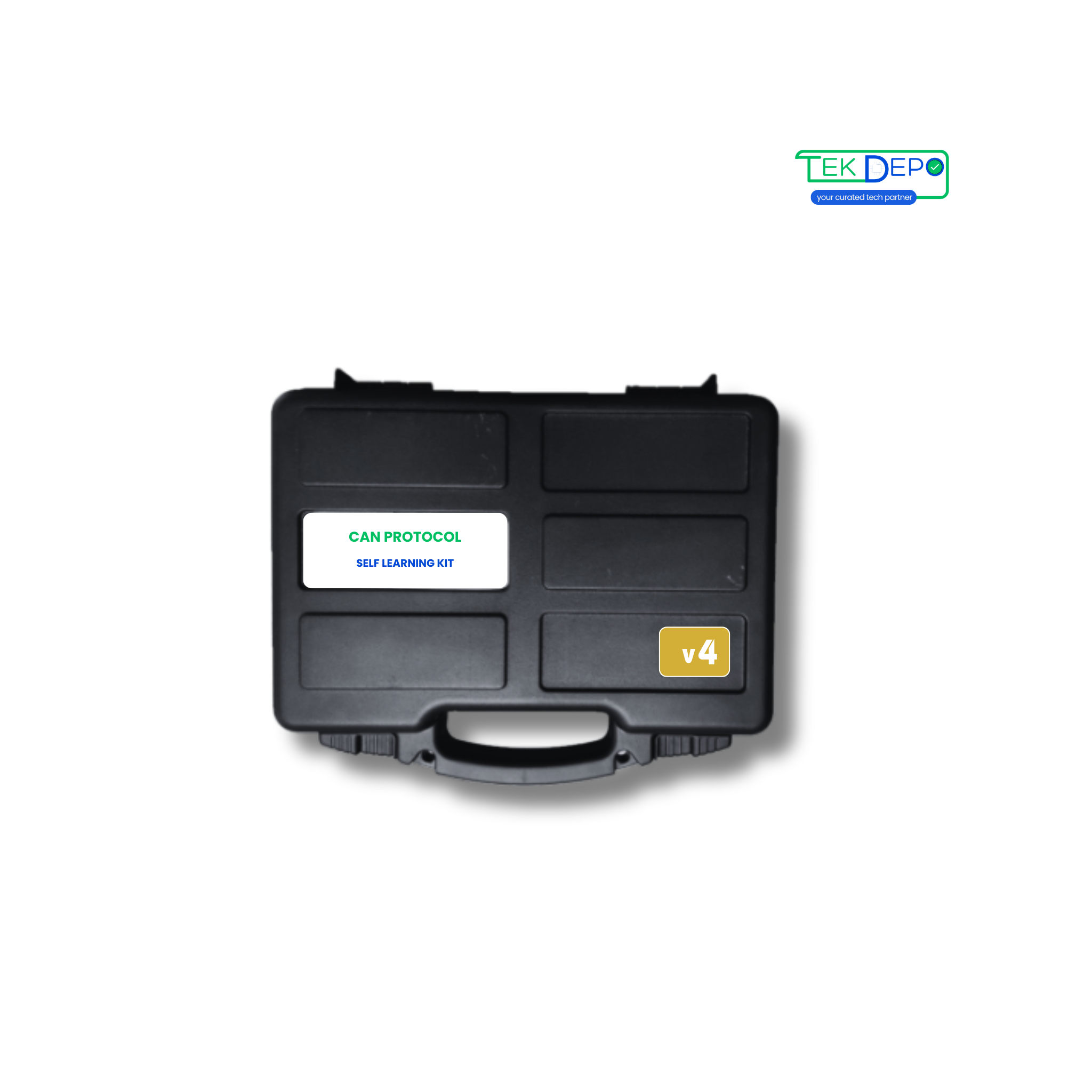
Tech Support for CAN Protocol Self Learning Kit v4
Expert troubleshooting, integration assistance, and dedicated support options.
Downloads & Guides
Access the latest firmware, manuals, and software tools.
Integration Support
Need assistance configuring protocols or connecting to SCADA?
Book Remote SessionTechnical Specifications
| Kit Contents | CAN Nodes ( 2 Configurable & 1 Programmable ) | CAN Bus to USB Converter | USB Cables | USB 3.0 Hub | Connecting wires & jumpers (removable) | Termination adapter (optional) | ||||
|---|---|---|---|---|---|---|---|---|---|---|
| Technical Specifications | Power Supply: Powered through USB | PC Communication: Compatible with USB 2.0 | Inputs: Digital – 8; Analog – 4 | Outputs: Digital – 8; Analog – 2 | CAN Communication: On-board CAN bus connection, 3-pin each | Baud Rate - CAN Bus: Supports up to 1 MBPS | Communication Mode: Bidirectional | CAN Bus Version Support: Compliant with CAN Specifications 2.0A and 2.0B | Indicators: LEDs for configuration, digital & analog output | Operating Condition: Operating temperature range from -20 to 85 °C |
| Key Features | GUI – Unimod (configuration software) and CAN Bus application | Inbuilt debugger for custom C code development and debugging | GUI-based CAN configurations including baud rate, filters, message IDs, and analog & digital I/Os | |||||||
| Applications | CAN bus fault testing | CAN 2.0A and CAN 2.0B monitoring | CAN bus learning and hands-on practice | CAN bus network analysis and troubleshooting |
Frequently Asked Questions
Find answers to common questions about our products
What is the CAN Self Learning Kit (Version 4)?
Version 4 is the most advanced CAN Self Learning Kit, featuring two configurable CAN nodes and one programmable CAN node for full-scale CAN network experimentation.
Who is Version 4 intended for?
This version is ideal for professionals, R&D engineers, training institutes, and advanced learners working on real-world CAN network analysis and testing.
What learning advantages does Version 4 offer?
With three CAN nodes, users can build complex CAN networks, test message arbitration, simulate faults, and develop custom CAN applications.
Does this kit support CAN diagnostics and troubleshooting?
Yes, Version 4 is well suited for CAN diagnostics, fault injection, message filtering, and network analysis.
Is the kit compatible with CAN 2.0A and 2.0B?
Yes, the kit is fully compliant with CAN 2.0A and CAN 2.0B specifications.
Is technical support available after purchase?
Yes, TEK DEPO provides technical support, setup guidance, and software assistance for all kit versions.
Still have questions?
Contact Our TeamNeed specialized help?
If the guides above didn't resolve your issue, our engineering team is here to assist with complex integrations.